Your medication.
Delivered in minutes.
My role
Deliverables
User Researcher
UX Designer
UI Designer
Design System
User Research
Competitive Audit
High Fidelity Designs
Team Ideations
Usability Testing
Project Summary
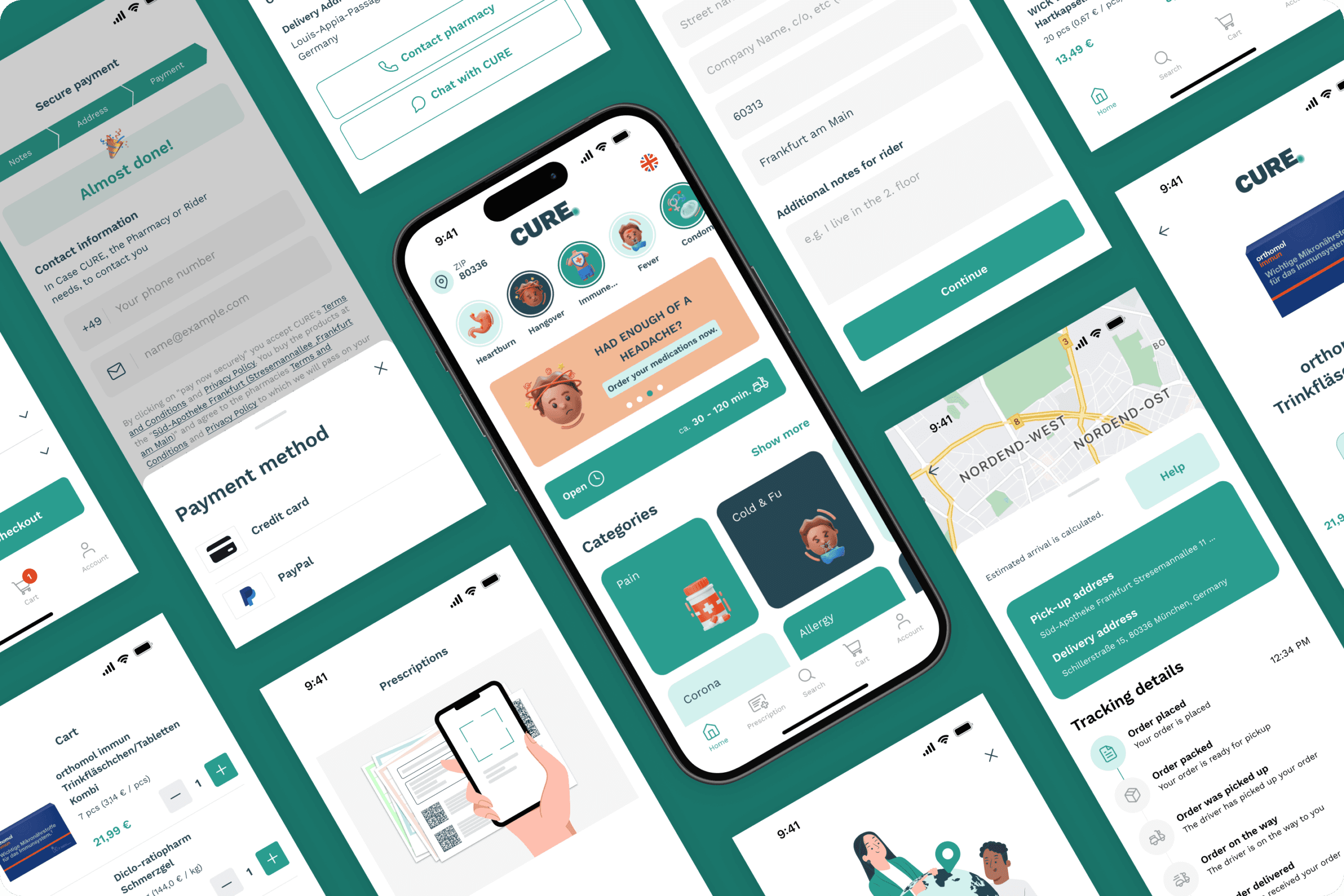
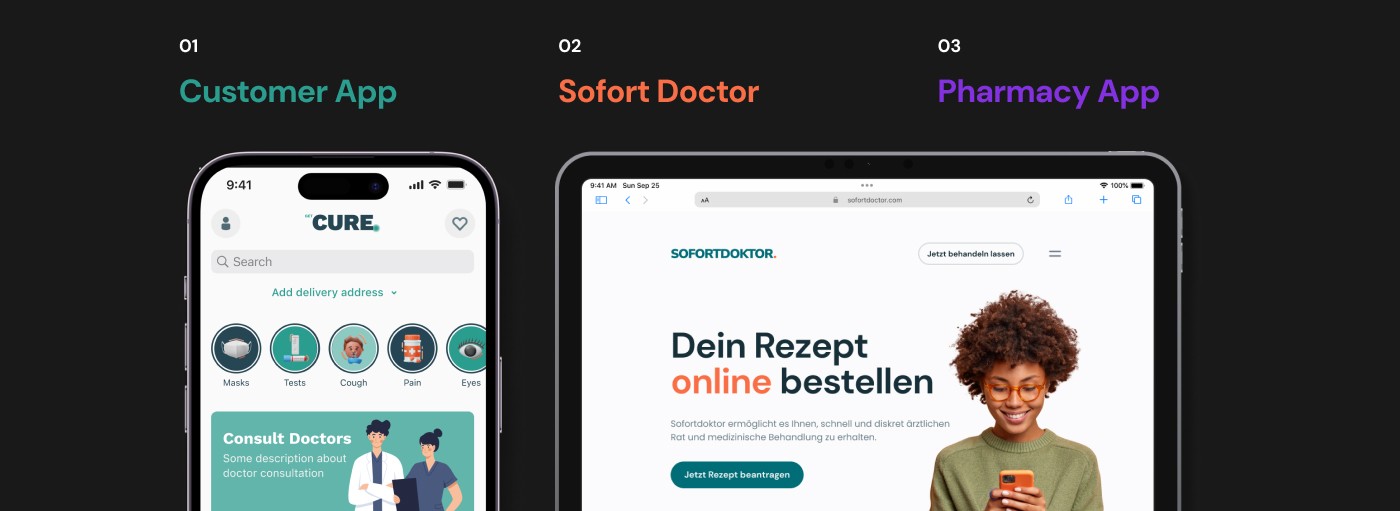
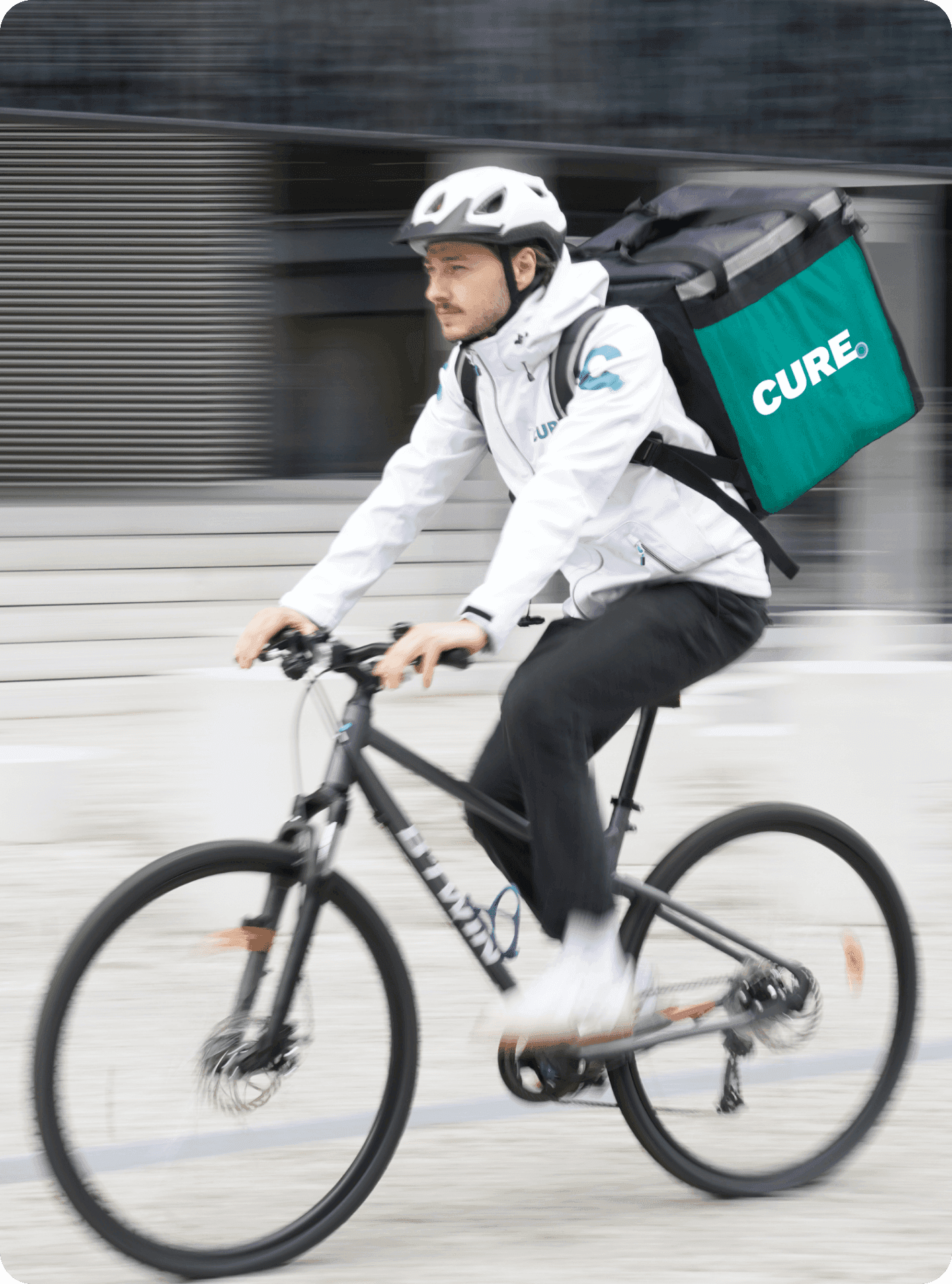
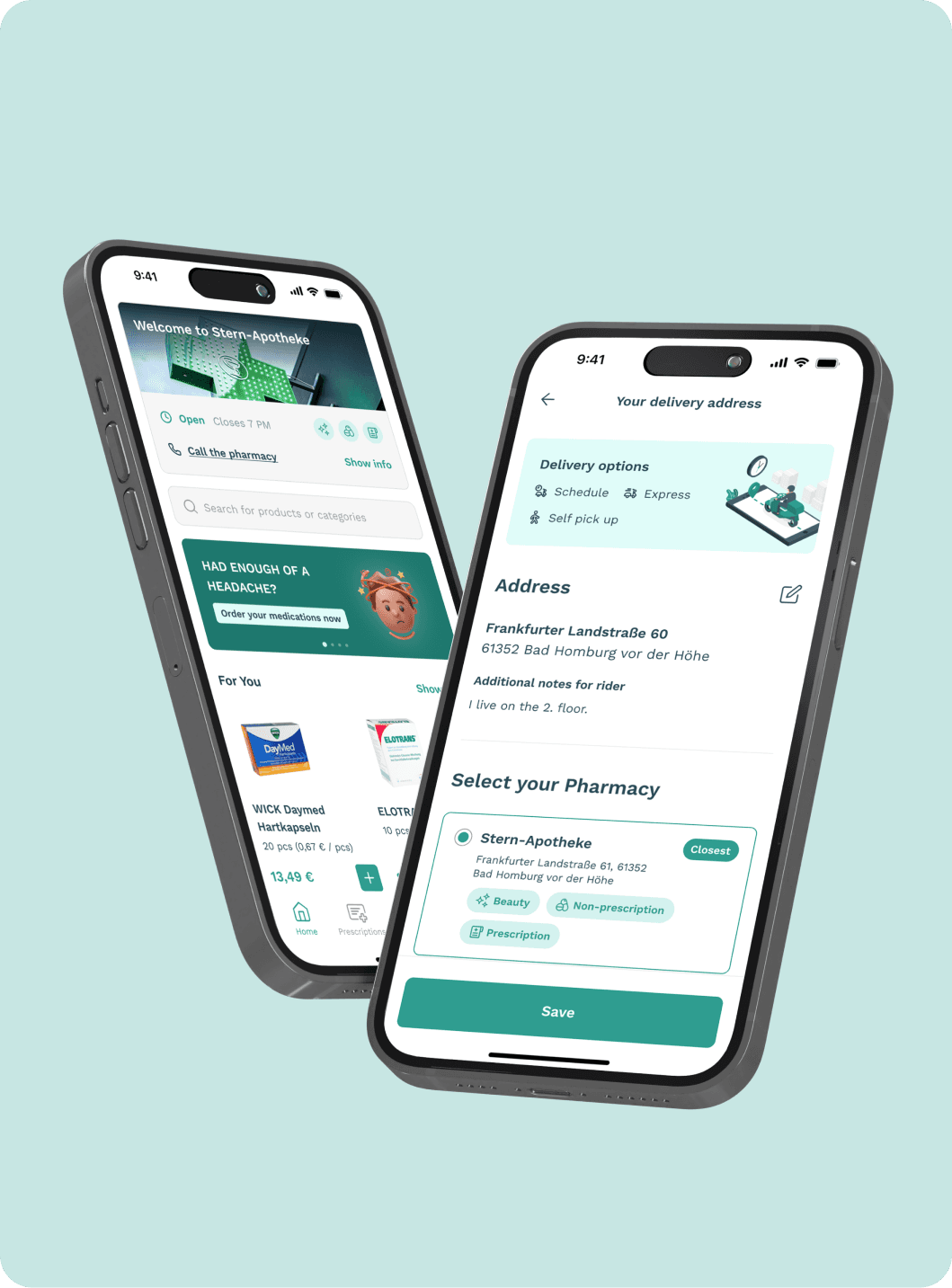
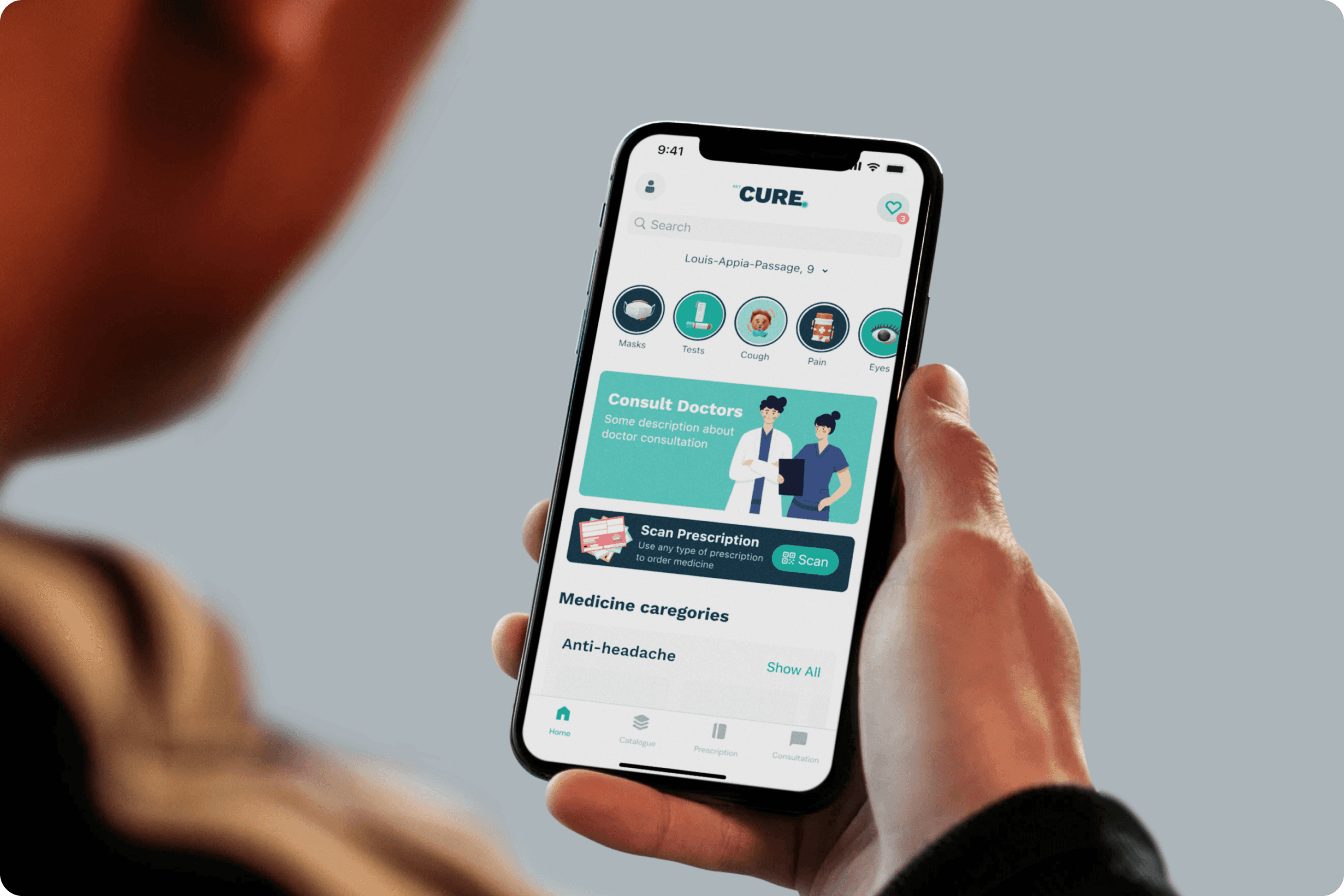
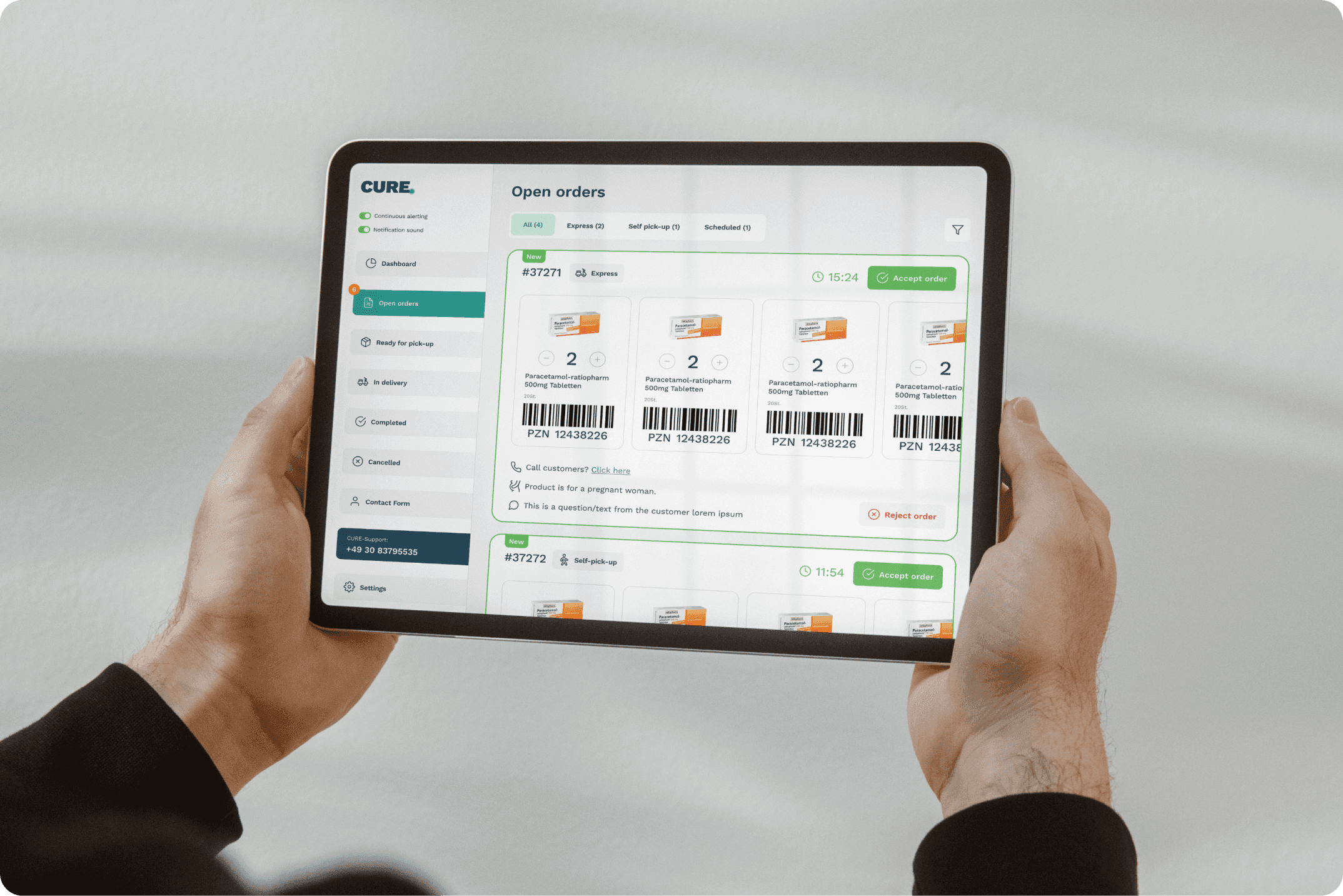
CURE is a super-app application where the user can get an online consultation and order medicine via smartphone. The application consists of 3 parts:
Limitations
Pure Design
Challenge
The old app was purely functional and since health problem is a sensitive subject, making truth is very important.
Solution
We decided to completely re-design the application after conducting User Research, Competitive Audit and lunch it as v2.0.
German Law
Challenge
German law is often very restrictive in decision-making, especially in the area of health.
Solution
Made a schedule of meeting with the lawyer at the end of every week cycle to discuss every decision we want to implement.
Communication with Experts
Challenge
Hard communication with experts.
Solution
Doctors are very busy guys, so we had only
2 meetings with doctors and pharmacists. So I planned my work within short deadlines for these meetings.
Step #1: UX Research
Goal: Understand why users abandon the self-service funnel.
UX Methods:
User Interview
Contextual Inquiry
Affinity Mapping
UX Audit
Heuristic Evaluation
Experts Interview
Competitive Audit
Secondary Research
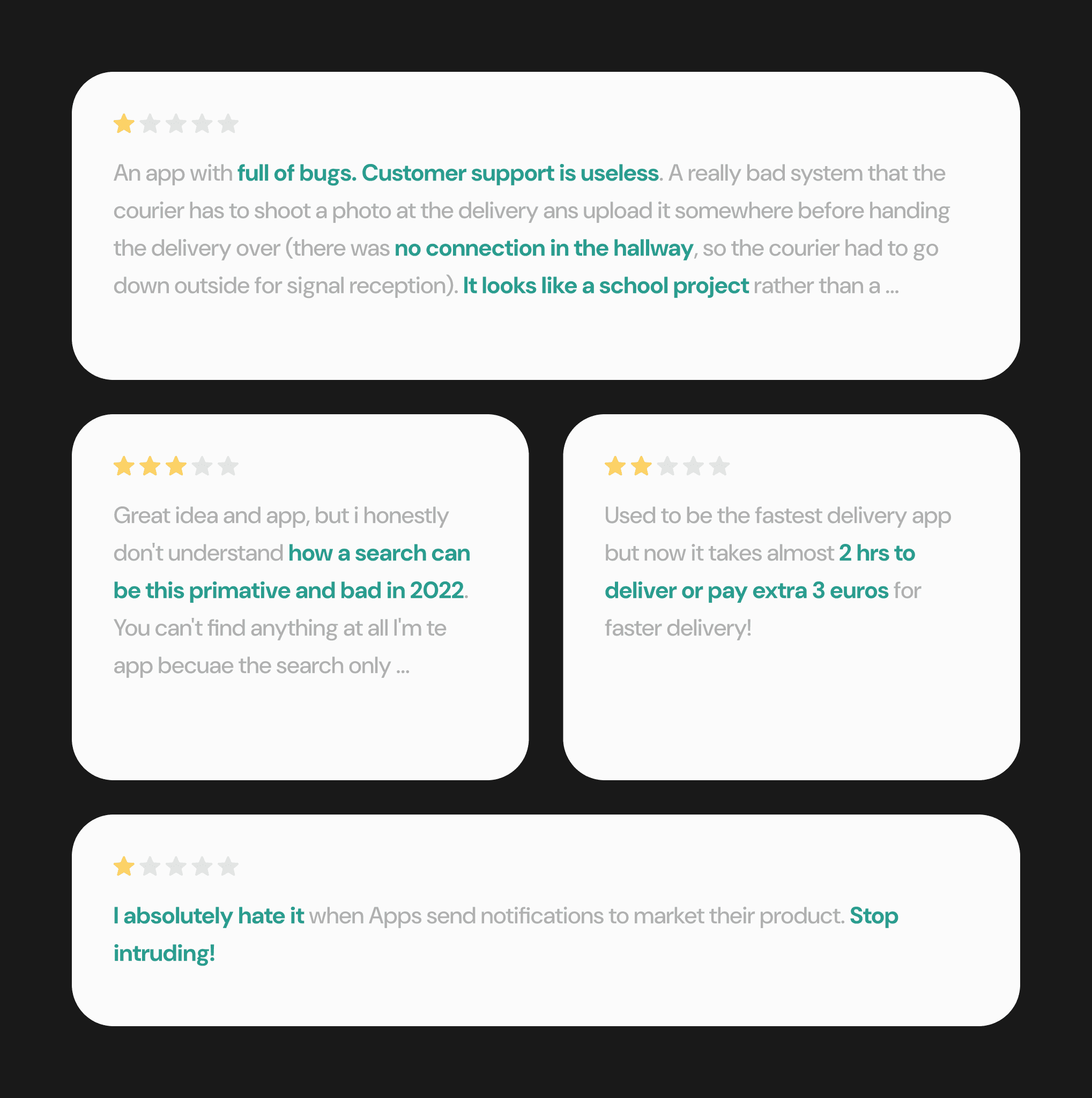
By using platforms such as Trustpilot I conducted review research of main competitors and got users’ pinpoints and needs.
User Interviews
Using the methodology I developed, I quickly contacted potential candidates who used competitors' solutions and scheduled a meeting. Candidates were interested in the interview because they had a negative experience.
Competitive Audit
I conduct an audit of our main competitors and compered the ordering experience, users’ feedback, and features.
Step #2: Define
Goal: To identify core problems, user needs and set the scope.
UX Methods:
User Personas
Problem Statement
User Personas
To better understand our users, a study was conducted and user personas were identified before starting the product design phase. Here are 2 of them:

Antoine Durand
Shy old man
Bio
Antoine is an Old Man who is living his best life. He is similar to new technologies and loves to meet a new women. But he has some problems with potency. He is not into going to Apotheke to this reason and to have a conversation with a doctor to receive a prescription.


Max Schäfer
Like to party
Bio
Max has a headache and wants to buy simple and fast medicine without leaving his bed. He often uses his phone and is familiar with online delivery stores.
Step #3: Ideate
Goal: Create hypotheses how we should build the design to reach goals.
UX Methods:
How Might We Ideation
Affinity Mapping
How Might We Ideation
Tools
Crazy Eights
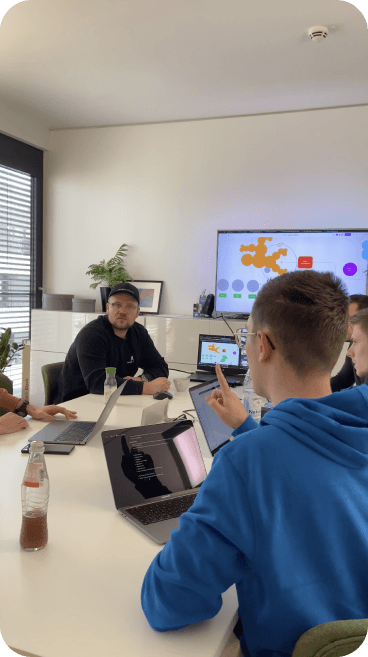
“How Might We” Ideation
Participants
Designers
Product Owner
Pharmacist
Doctor
Lawyer
Design Challenge
After discussion with doctors we defined design problem in Prescription flow
Type of Prescription
In Germany exist 5 types of prescriptions:
Blue
This is mostly intended for privately insured patients the prescribed medication is initially payed privately.
Yellow
This is for narcotic agents.
Green
This is provided when the doctor recommends a pharmacy-only but for open purchase medicines.
e-Prescription
Same like blue and red ones, but looks like QR code in user’s phone or pdf, but it’s not so popular in Germany
Red
The approximately 70 million people with statutory health insurance usually receive a pink recipe if the doctor prescribes medication that is included in the health insurance benefits catalogue.
The Problem
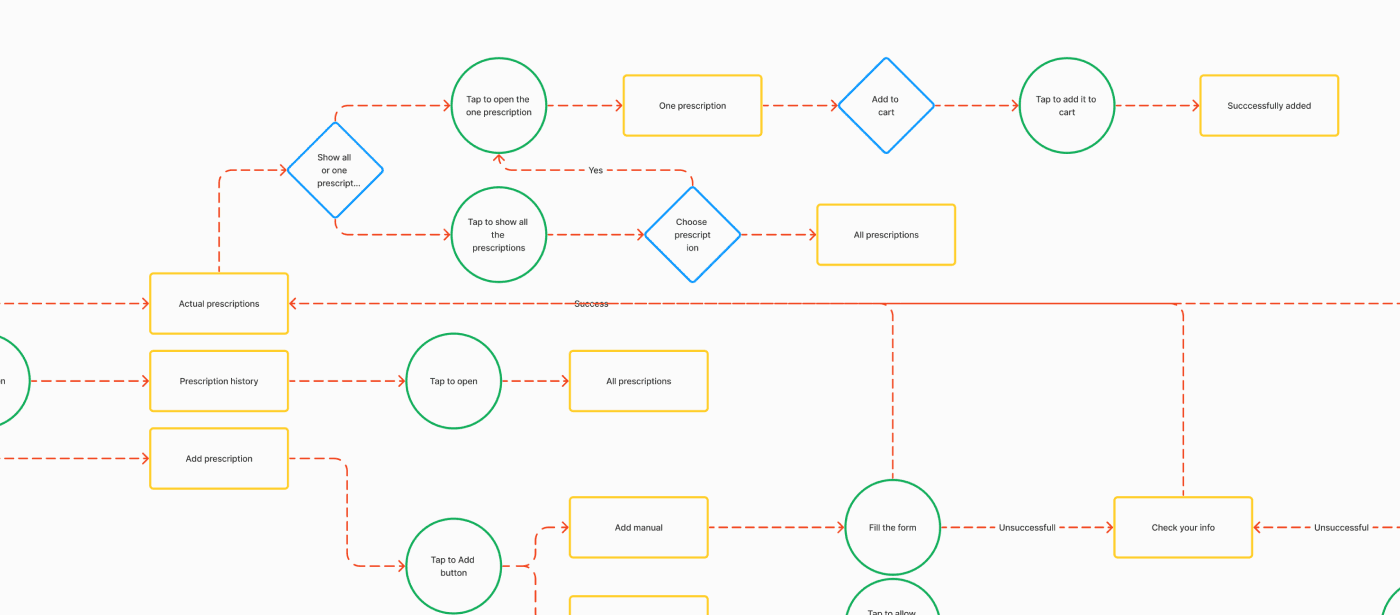
All of these we can just scan, send to the pharmacist and get our medicine delivered, exept red one, because pharmacyst must to get it physically in hands because of German law.
Step #4: Prototype
Goal: Build a prototype of self-service funnel to test ideas with users.
UX Methods:
Information Architecture
Lo-fi Prototyping
Hi-fi Prototyping
Interaction Design
Design System
Information Architecture
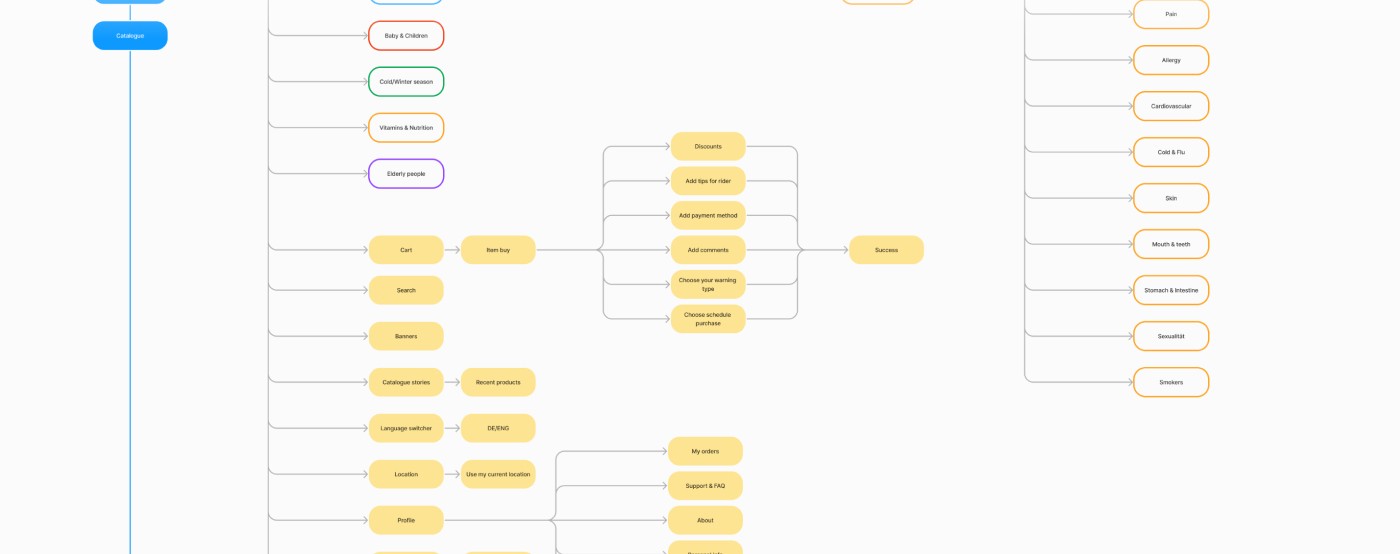
As a result of ideation, we created Information Architecture.
User Flow
I have completed the user flow structure by using Google’s Methodology for all types of users and their interaction with the product.
Design System
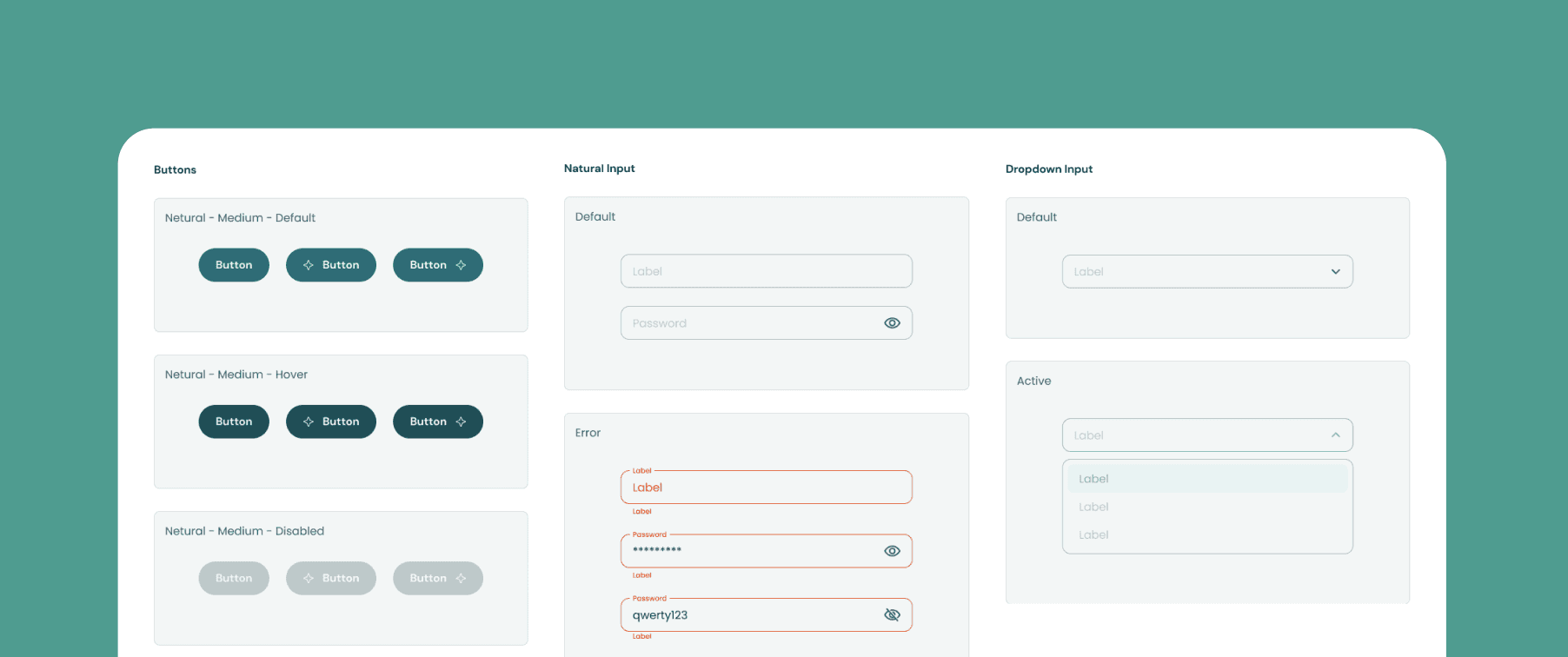
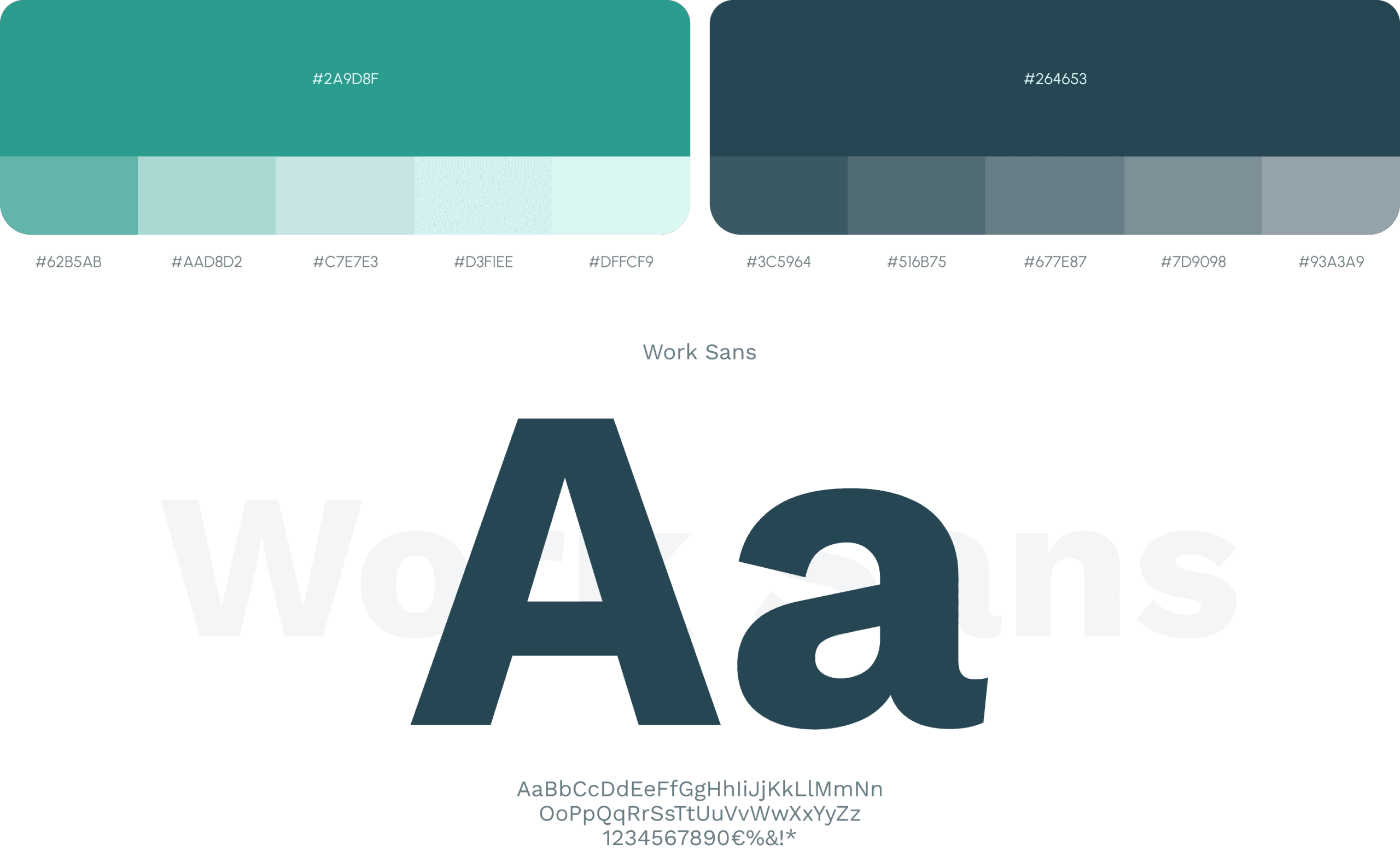
To make life easier for myself and developers, I created a design system in which I unified the components, designed the interaction with each component and built an atomic model in the design using auto layouts for everything.




Need a designer?
Hire me.
Ready for a design adventure, or need product design advice? Ping me for fun collaboration.