Manage Business Insurance Hassle-Free.
My role
Deliverables
User Researcher
UX Designer
UI Designer
Design System
User Research
Competitive Audit
High Fidelity Designs
Team Ideations
Usability Testing
Project Summary
At SureIn, I led the end-to-end design of the User App, focused on simplifying the insurance experience for small business owners in Germany. The app was created to solve key challenges in the insurance industry—complexity, lack of transparency, and inefficient policy management—while boosting in-app sales through enhanced usability.
Problem Space
For most small and medium-sized businesses (SMBs), the experience of dealing with insurance companies is often described as a nightmare:
#1
Claiming compensation from insurance companies often involves dozens of letters, hours of waiting on the phone, and months of delays.
#2
39% of SMBs are overinsured, while 43% are underinsured. They struggle to easily compare coverage options and switch providers.
#3
Managing contracts for mid-market companies with dozens of contracts across multiple locations is a nightmare.
#4
Dealing with insurance carriers involves a mountain of paperwork.
Step #1: UX Research
Goal: Understand pain points users face.
UX Methods:
User Interview
Contextual Inquiry
Affinity Mapping
Competitive Audit
UX Audit & Heuristic Evaluation
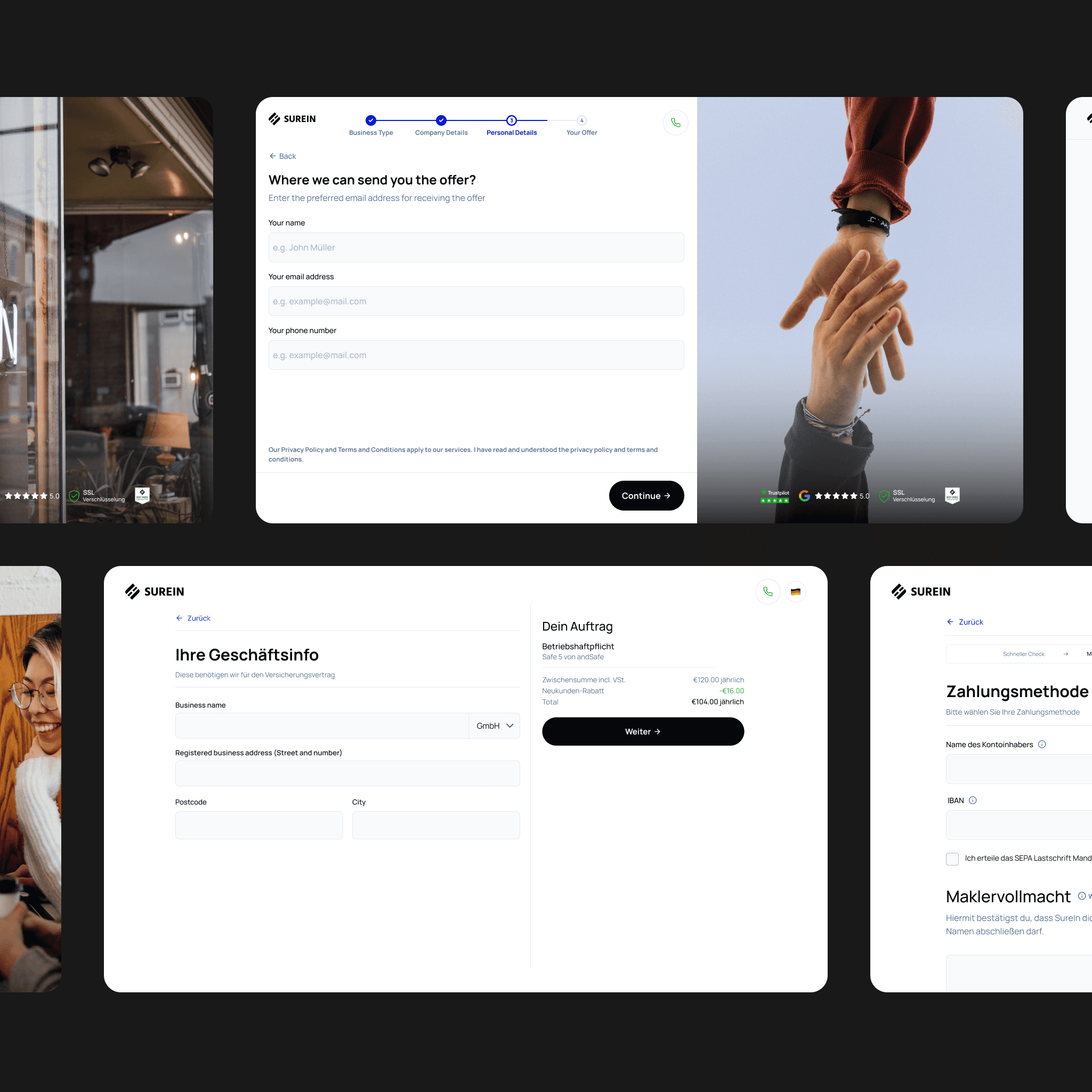
I reviewed the app user flow and identified the following surface-level UX issues:
#1
The app design felt inconsistent, with many design solutions lacking clear reasoning or purpose.
#2
The app had several heuristic problems.
#3
The mobile experience was particularly problematic, rendering it almost unusable on smaller screens.
Competitors Research
I reviewed both direct and indirect competitors’ solutions to analyze the features they offer and how they address users’ concerns.
#1
I defined market hygiene by identifying the core features that every competitor in the space offers to ensure users’ basic needs and expectations are met.
#2
I created hypotheses about users’ pain points, needs, and fears by analyzing competitors’ messaging and identifying how they attempt to address and eliminate these concerns.

User Interviews
Based on the hypotheses I derived from secondary research, I conducted user interviews to validate or challenge them. This allowed me to gain a comprehensive understanding of the problems, needs, and fears SMBs face when managing insurance. Additionally, I gathered insights into how they currently manage their insurance.
Step #2: Define
Goal: Identify core problems, user needs, and set the scope.
UX Methods:
User Personas
Problem Statement
User Personas
Based on the problems, needs, and fears identified during the research, I created 3 personas to represent users throughout the design process:

Sally
Not tech savvy, ADHD

Olga
Researcher

Marko
Executant
Set the Scope
Based on the data from the research, I defined the scope of features and changes we need to implement:
#1
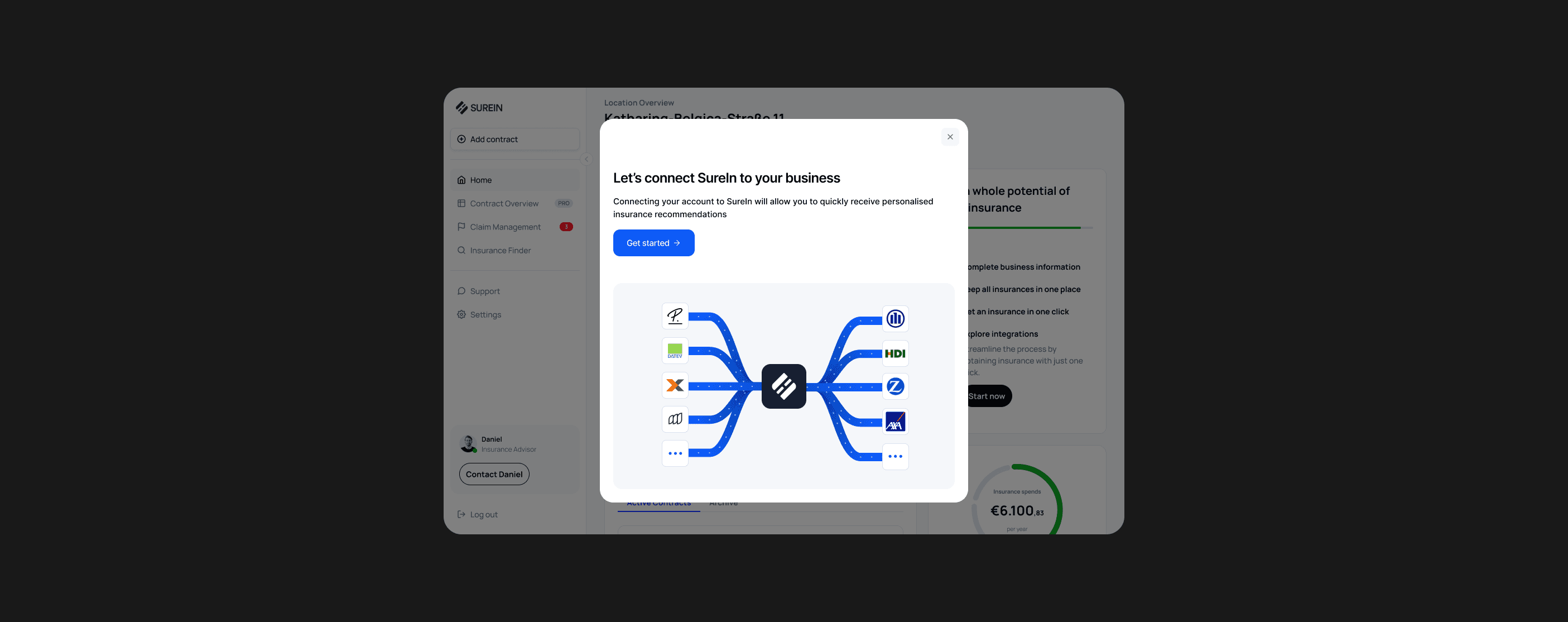
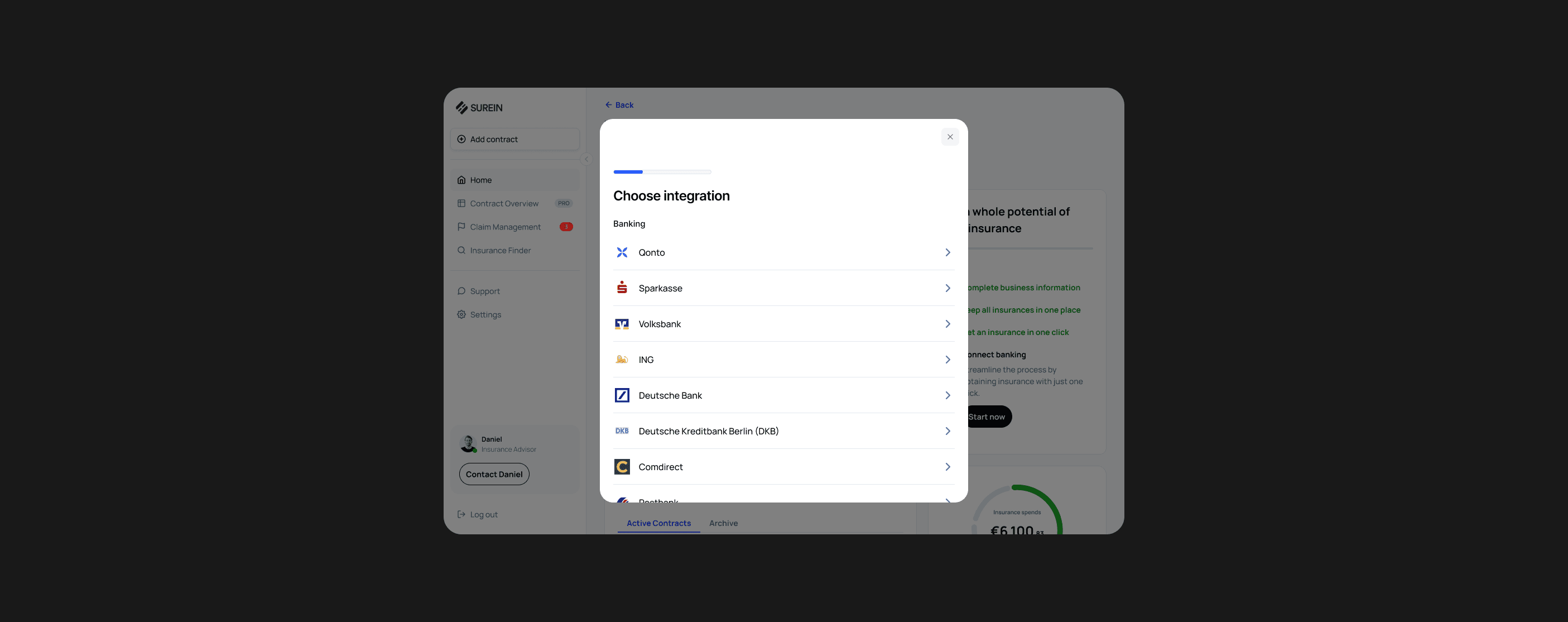
Create integrations with banking, tax, and employee management tools to automate insurance optimization.
#2
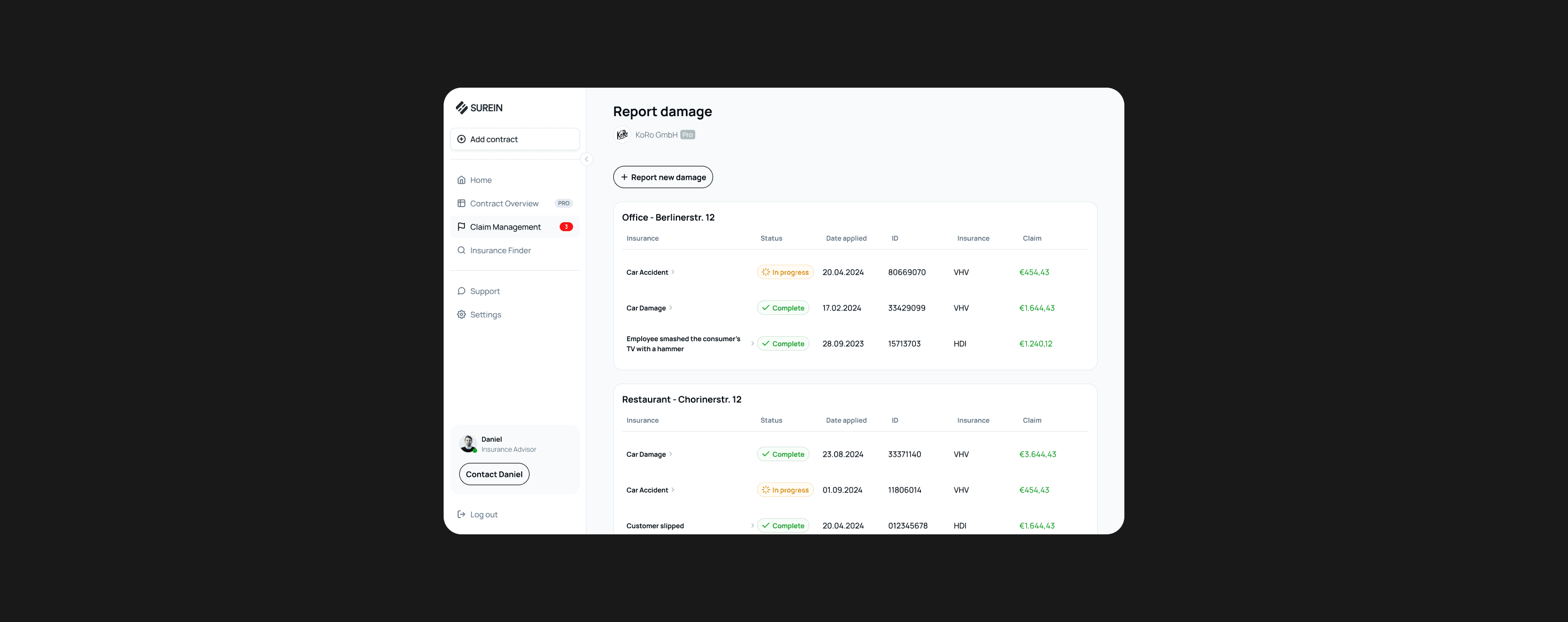
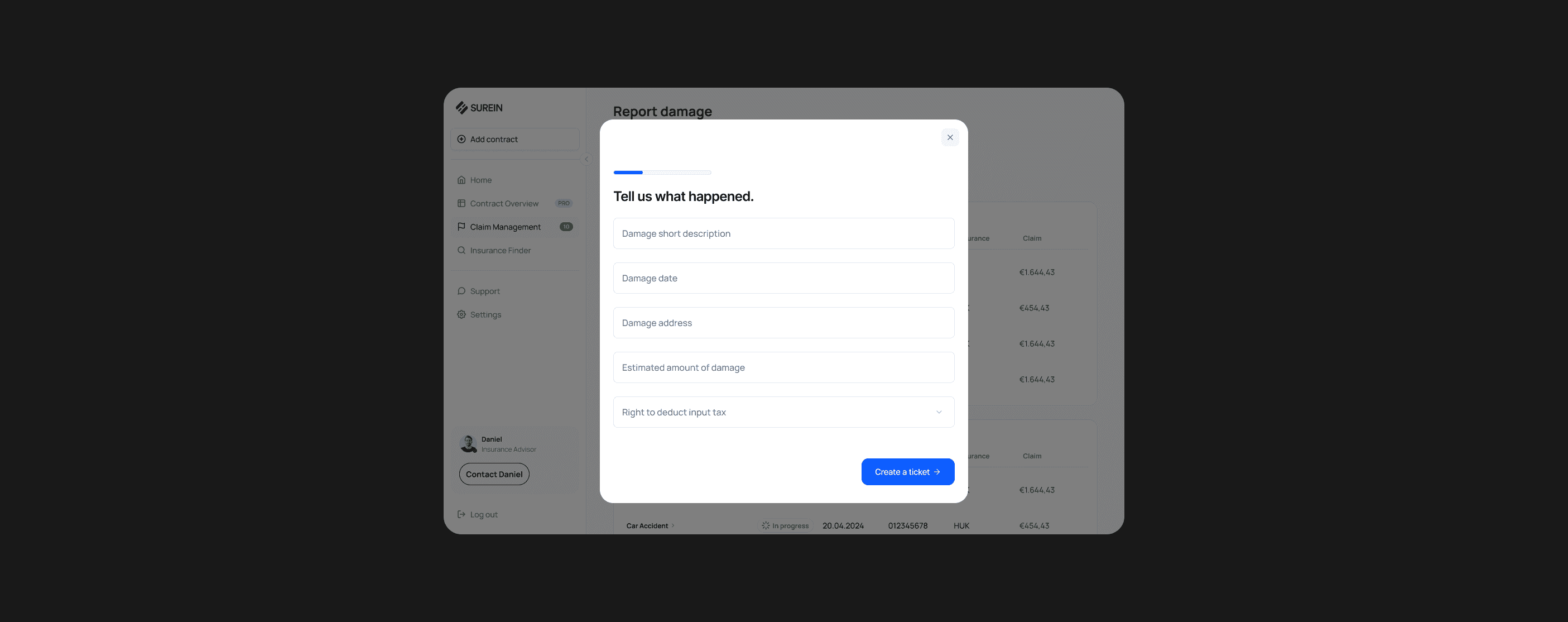
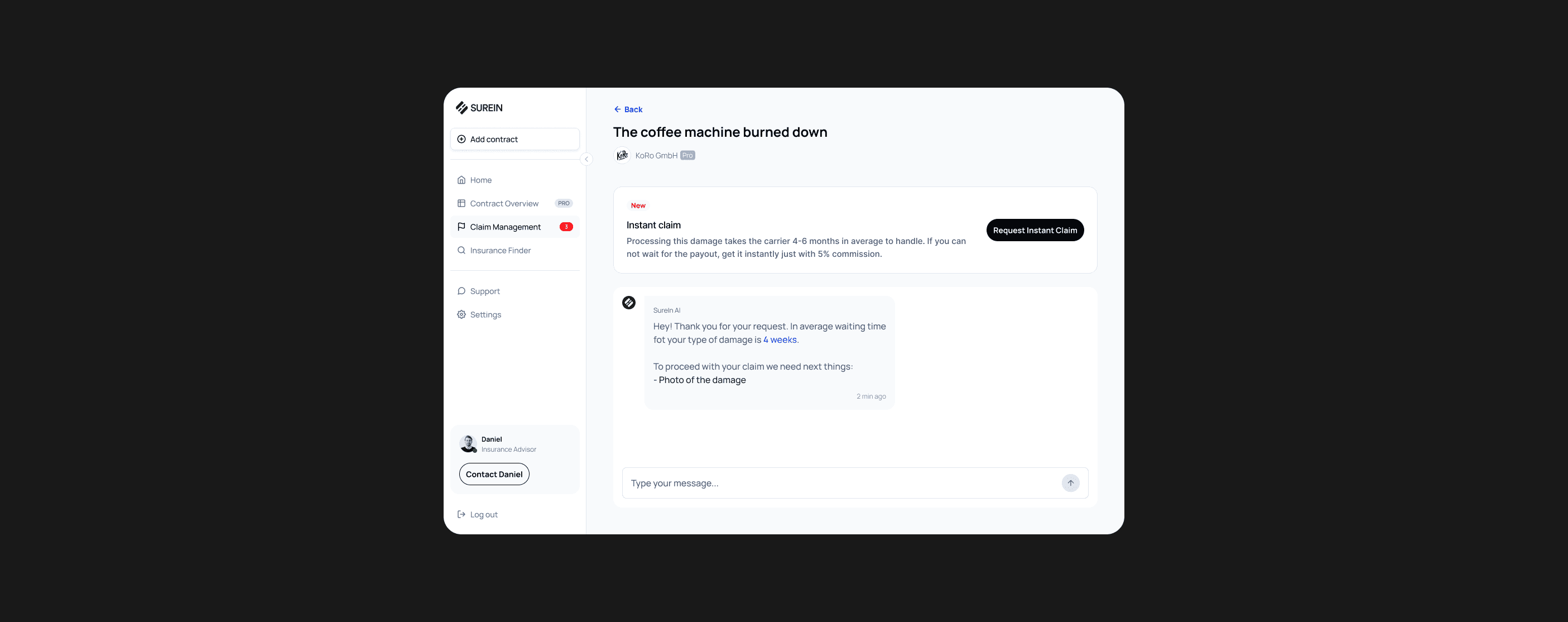
Design a claim management interface that allows users to submit and track claims instantly, with clear status updates and streamlined communication with insurance providers.
#3
Create an interface that allows users to easily manage insurances for multiple locations and sub-companies. Include features like bulk editing, filtering, and tracking policies across various locations with a centralized dashboard to oversee all insurance needs at once. This will enable users to save time and improve oversight for complex, multi-location businesses.
#4
Integrate an AI-powered insurance consultant using ChatGPT, providing real-time, personalized advice to help users navigate their insurance options and make informed decisions.
#5
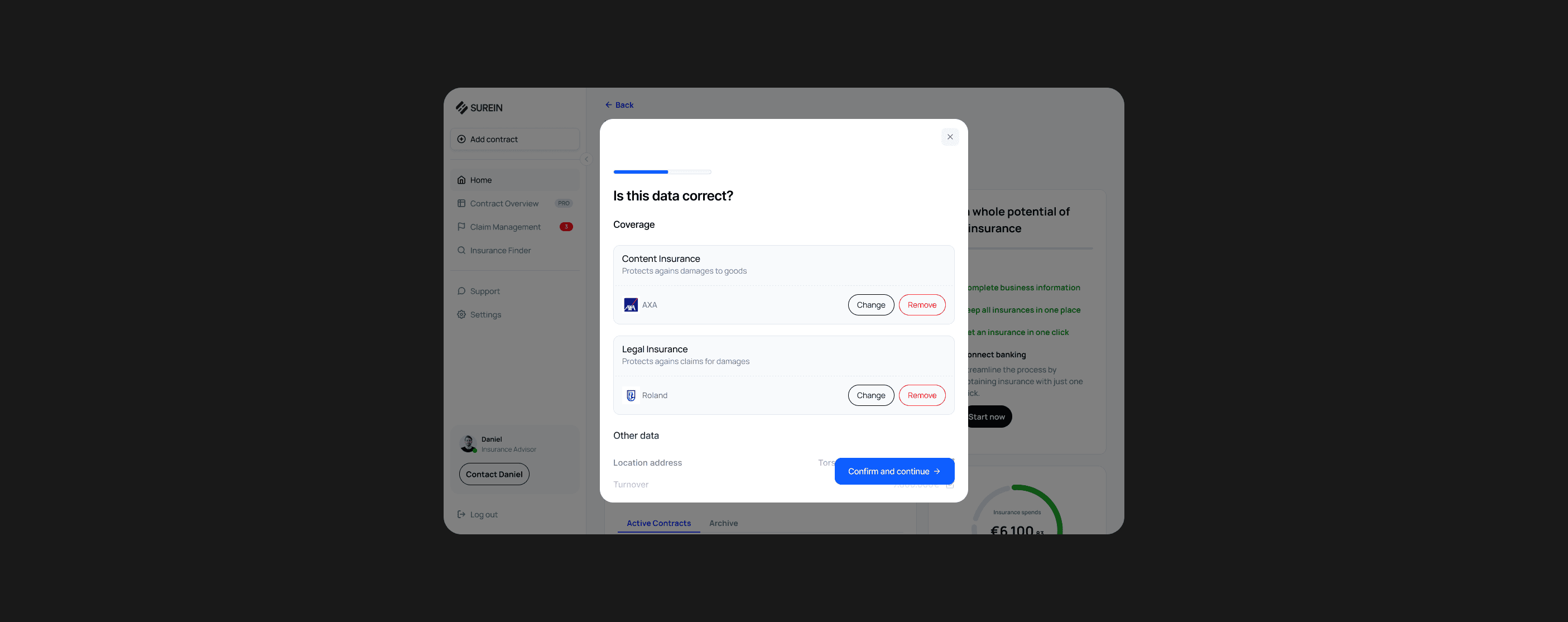
Design flow of adding existing insurance contracts.
#6
Comprehensively refine the user interface and interaction design for a seamless experience.
Step #3: Ideate
Goal: Develop hypotheses on how to design in order to achieve the goals.
UX Methods:
How Might We Ideation
Affinity Mapping
How Might We Ideation
“I conducted ideation sessions with the team, focused on banking integration, claim management, AI insurance consultant, contracts overview, and app architecture.
Each topic was covered in separate sessions, one for each design sprint.

Step #4: Prototype
Goal: Build a user app prototype to test ideas with users.
UX Methods:
Information Architecture
Lo-fi Prototyping
Hi-fi Prototyping
Interaction Design
Design System
Information Architecture
Problems
#1
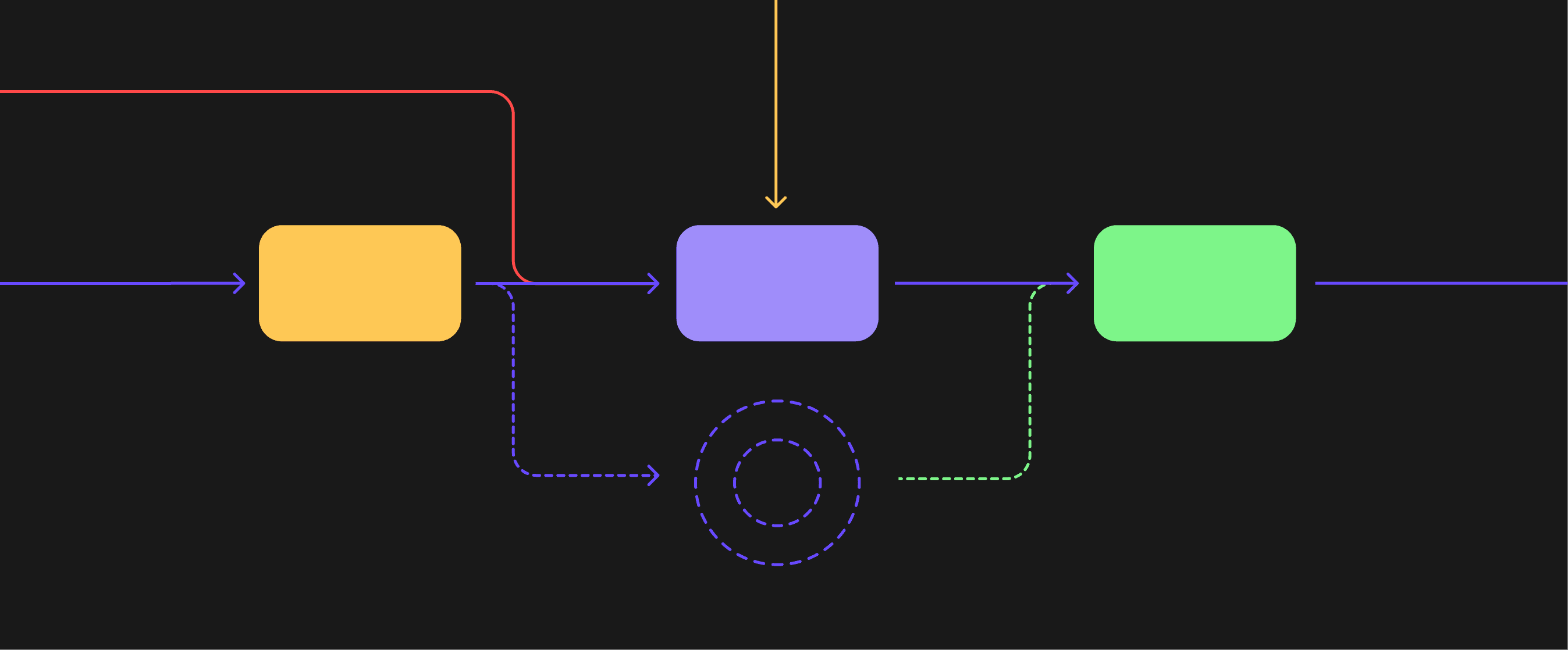
In the original version, the navigation was designed for businesses with a single location, which wasn’t suitable for mid-market users managing multiple locations.
#2
The old app architecture was described by users as “complicated.”
Solution
#1
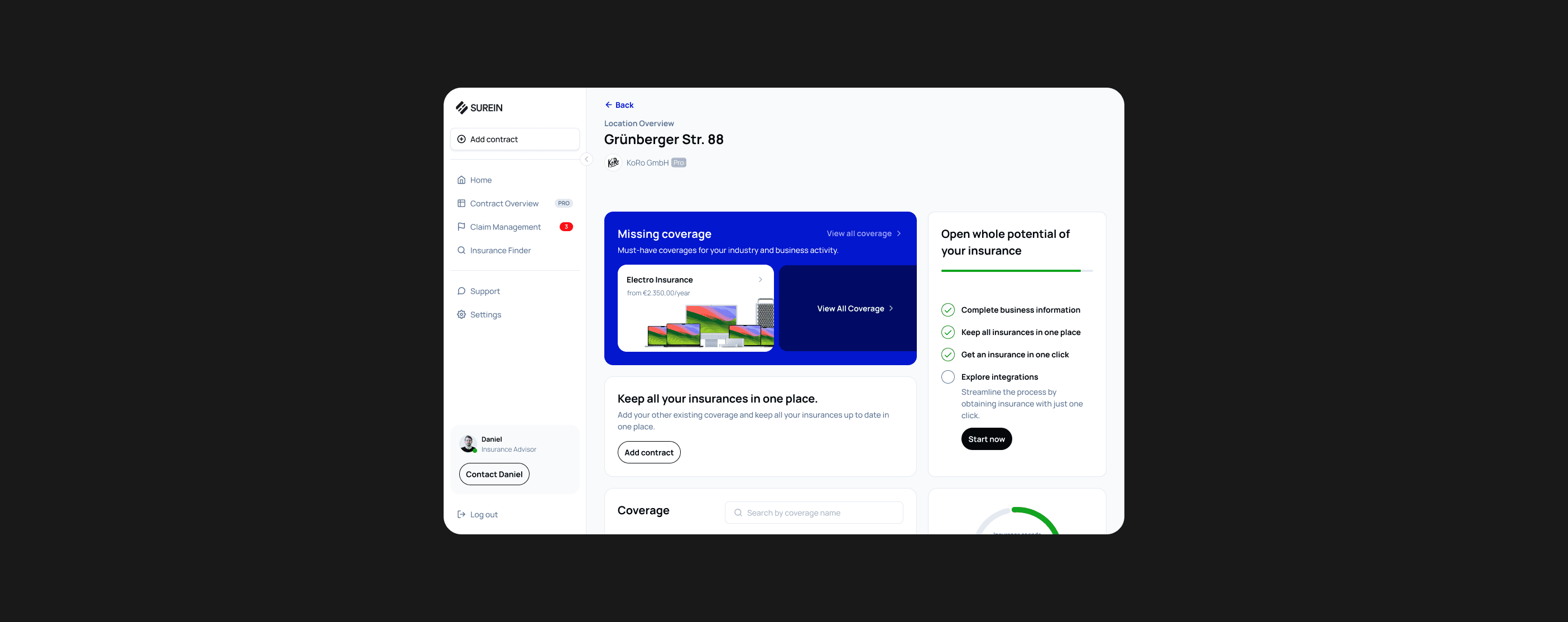
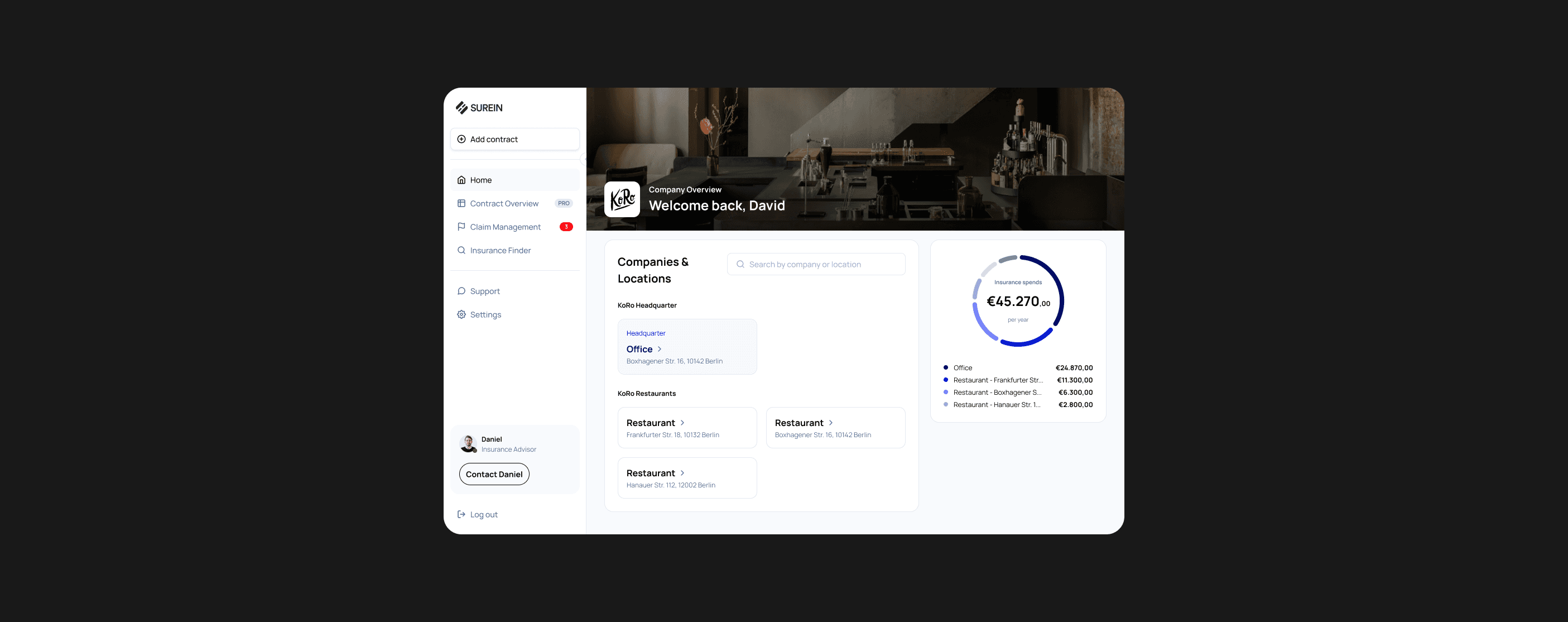
Create a mid-market overview for users with multiple locations, allowing them to easily manage and navigate their insurance contracts for each site.
#2
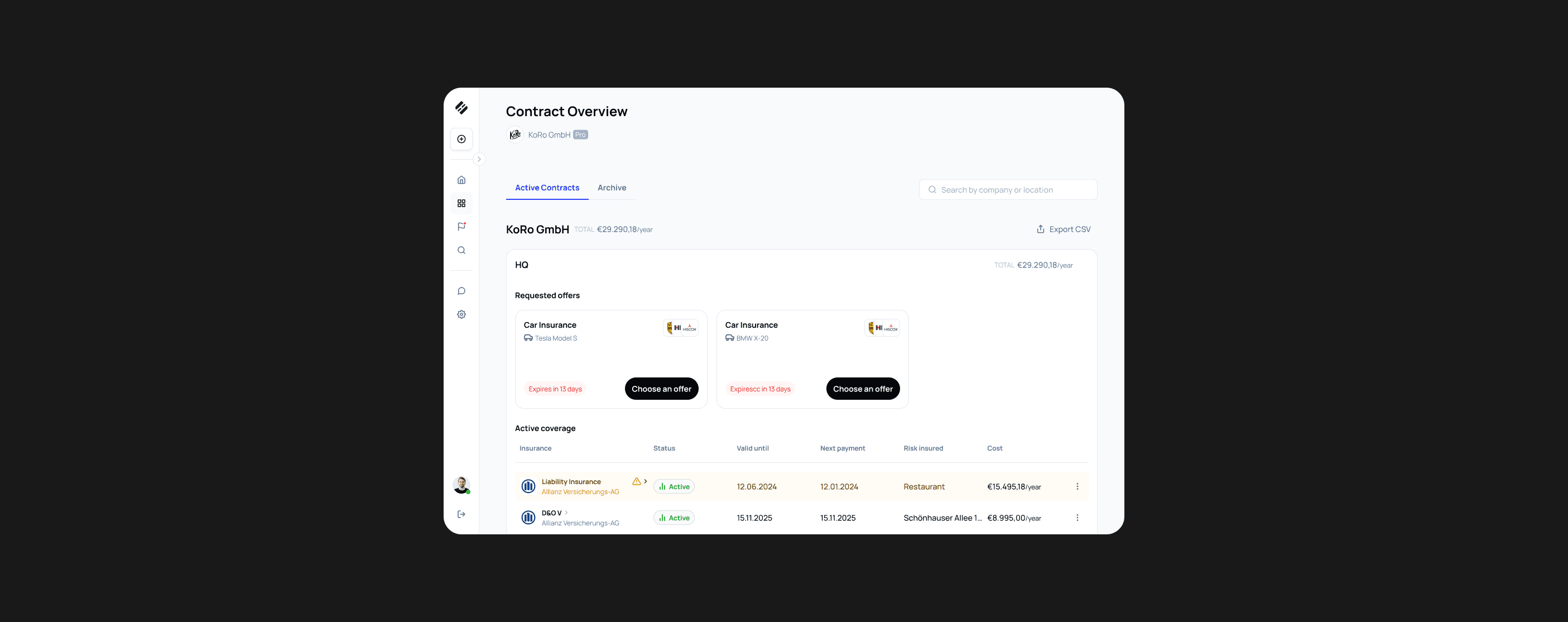
Create an overview for all contracts across multiple locations and companies, allowing users to view and manage all their insurance contracts in one unified interface.
#3
Remove the “Cart” step to streamline the user flow, as most customers typically purchase only one insurance product per session.
#4
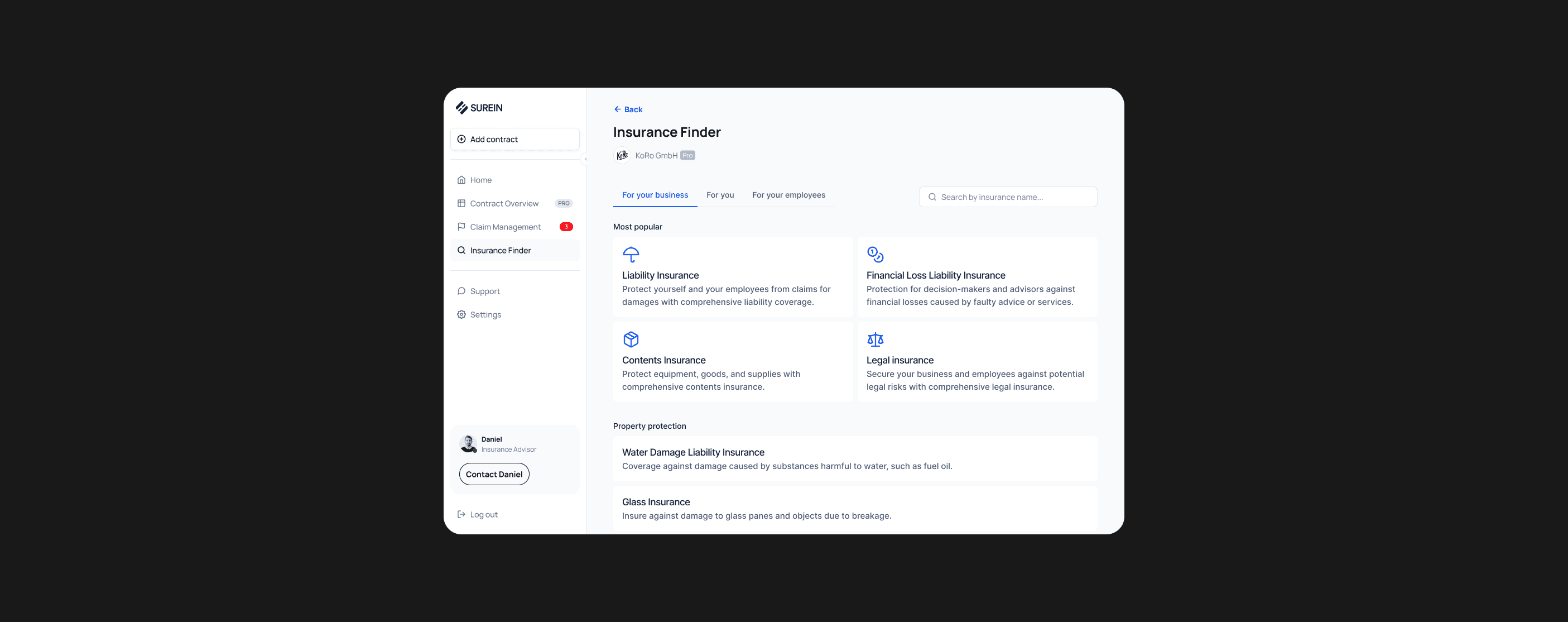
Separate business, private, and employees’ insurances into distinct categories to make navigation clearer and more intuitive for users.
#5
Place all key information, such as upcoming contract renewals, claims status, and policy coverage, prominently on the home screen of each location for easy access and quick overview.
Authorisation

Home Screen
Mid-Market Overview
Contracts Overview
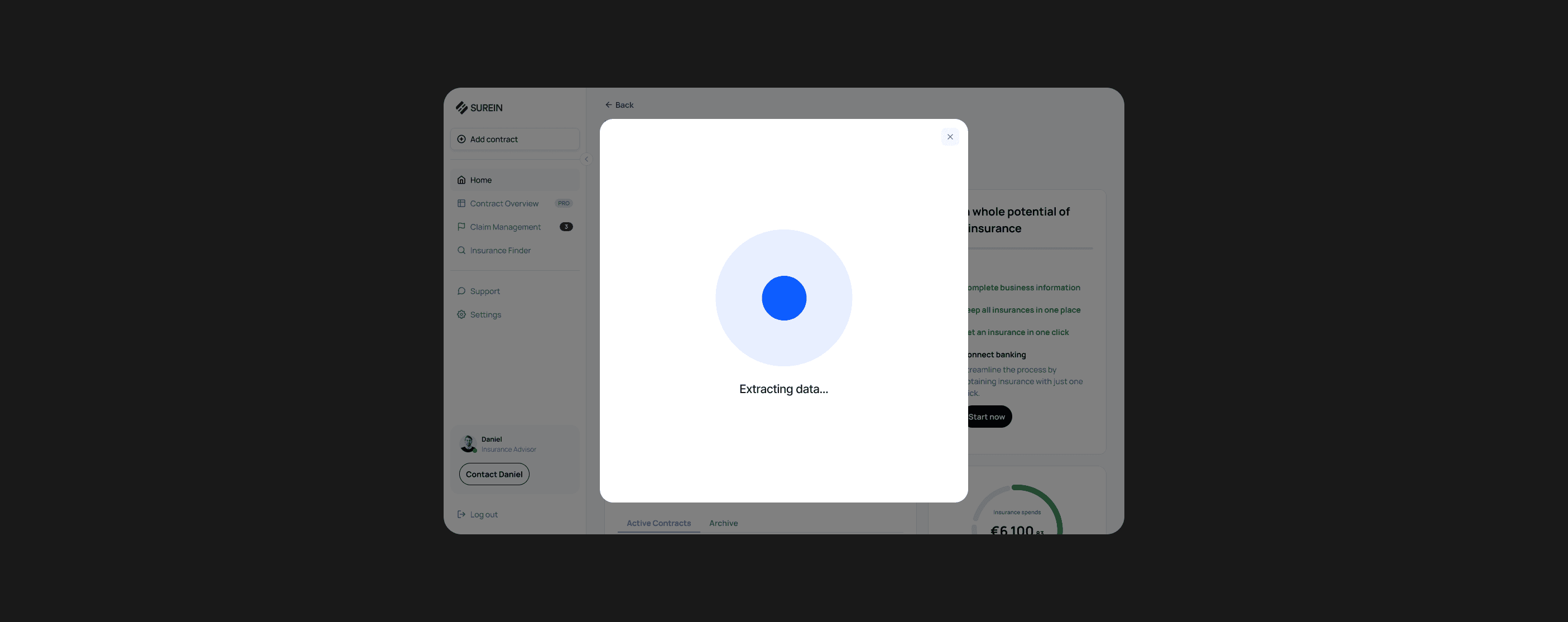
Banking Connection
Claims Flow
Insurance Finder




Need a designer?
Hire me.
Ready for a design adventure, or need product design advice? Ping me for fun collaboration.